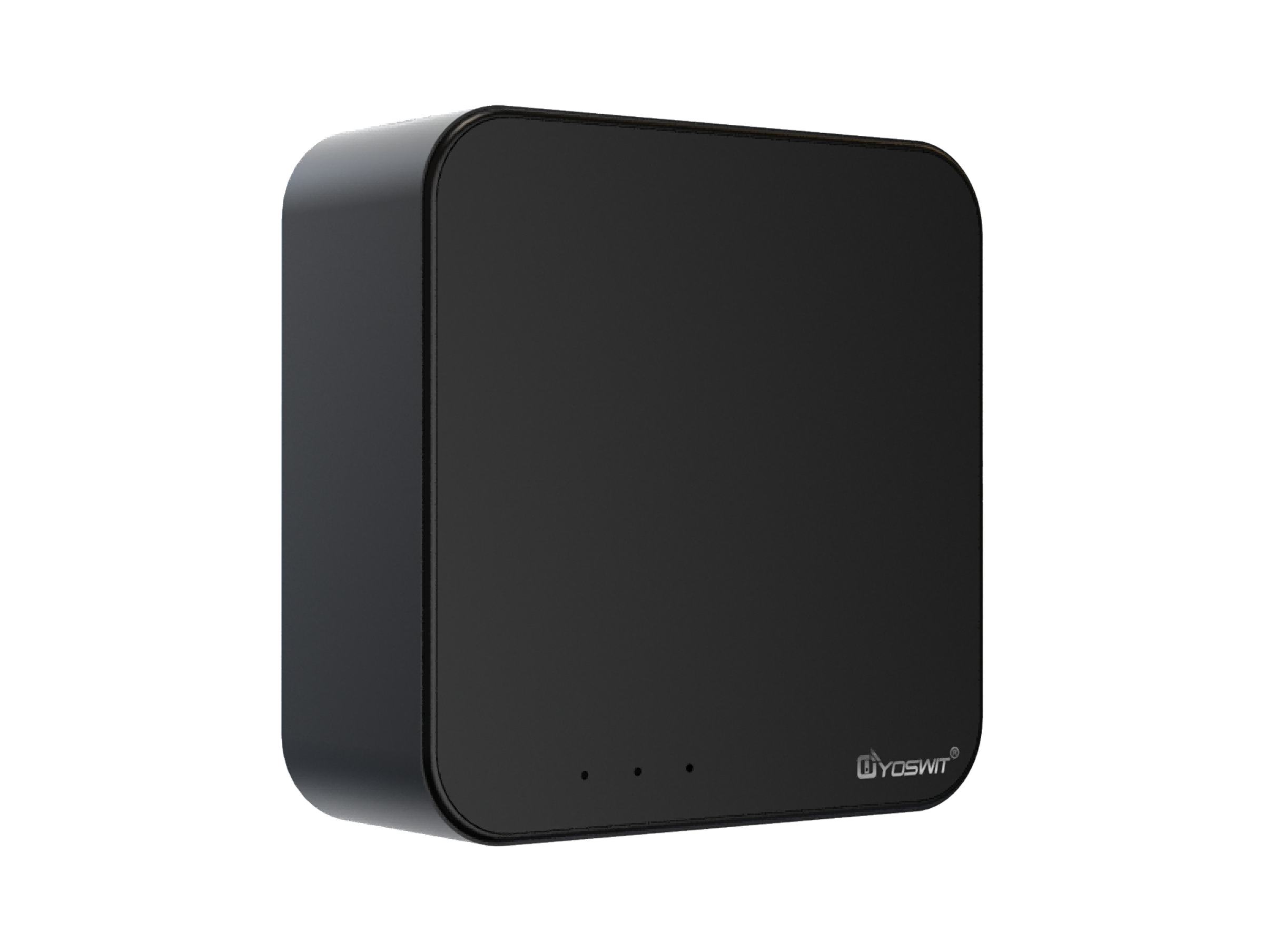
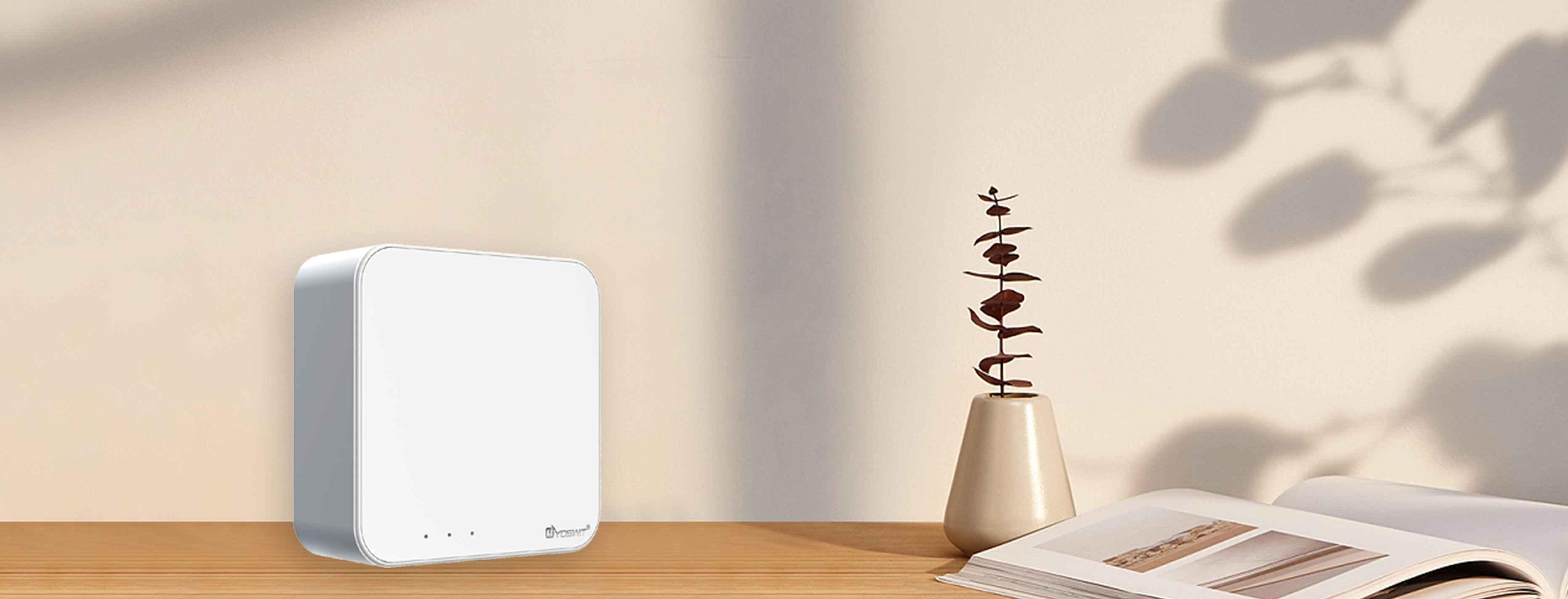
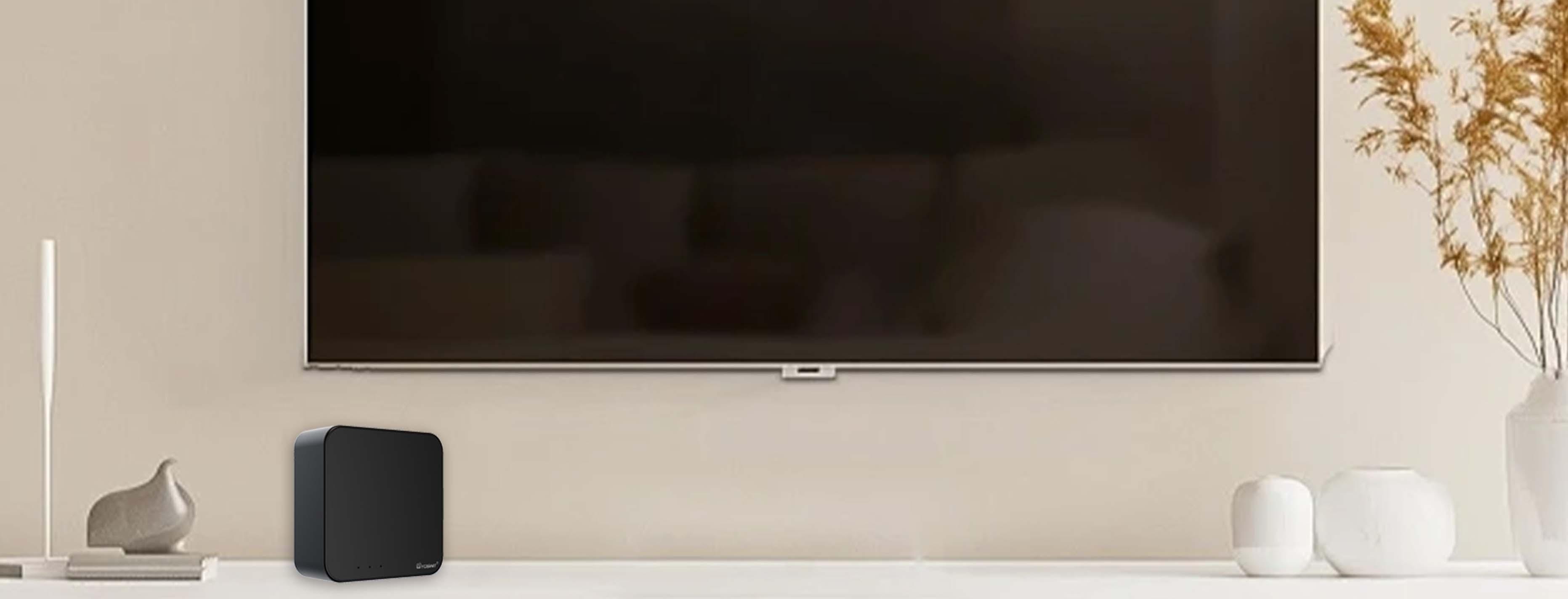
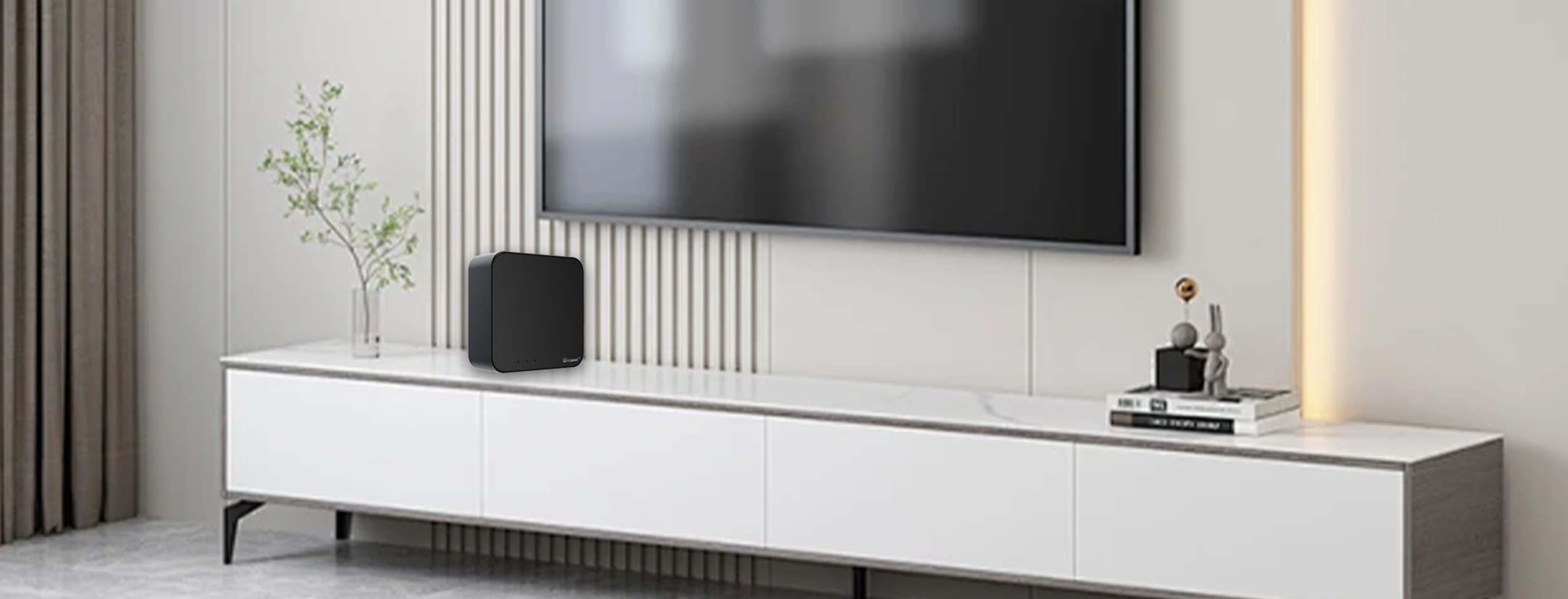

Smart Home Gateway
Product Code:
YO105 (R2W)
Features
- OTA Remote Upgrades
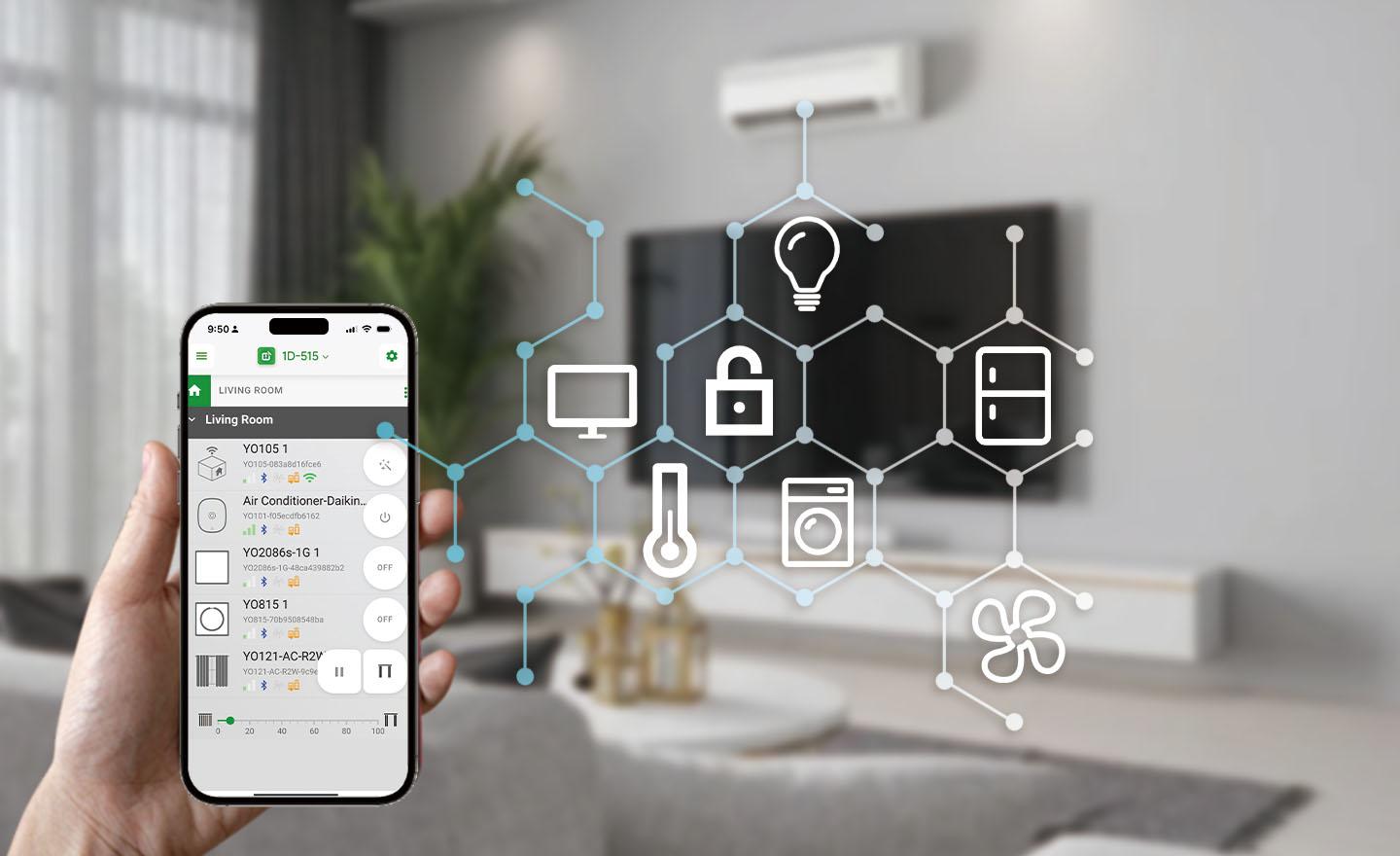
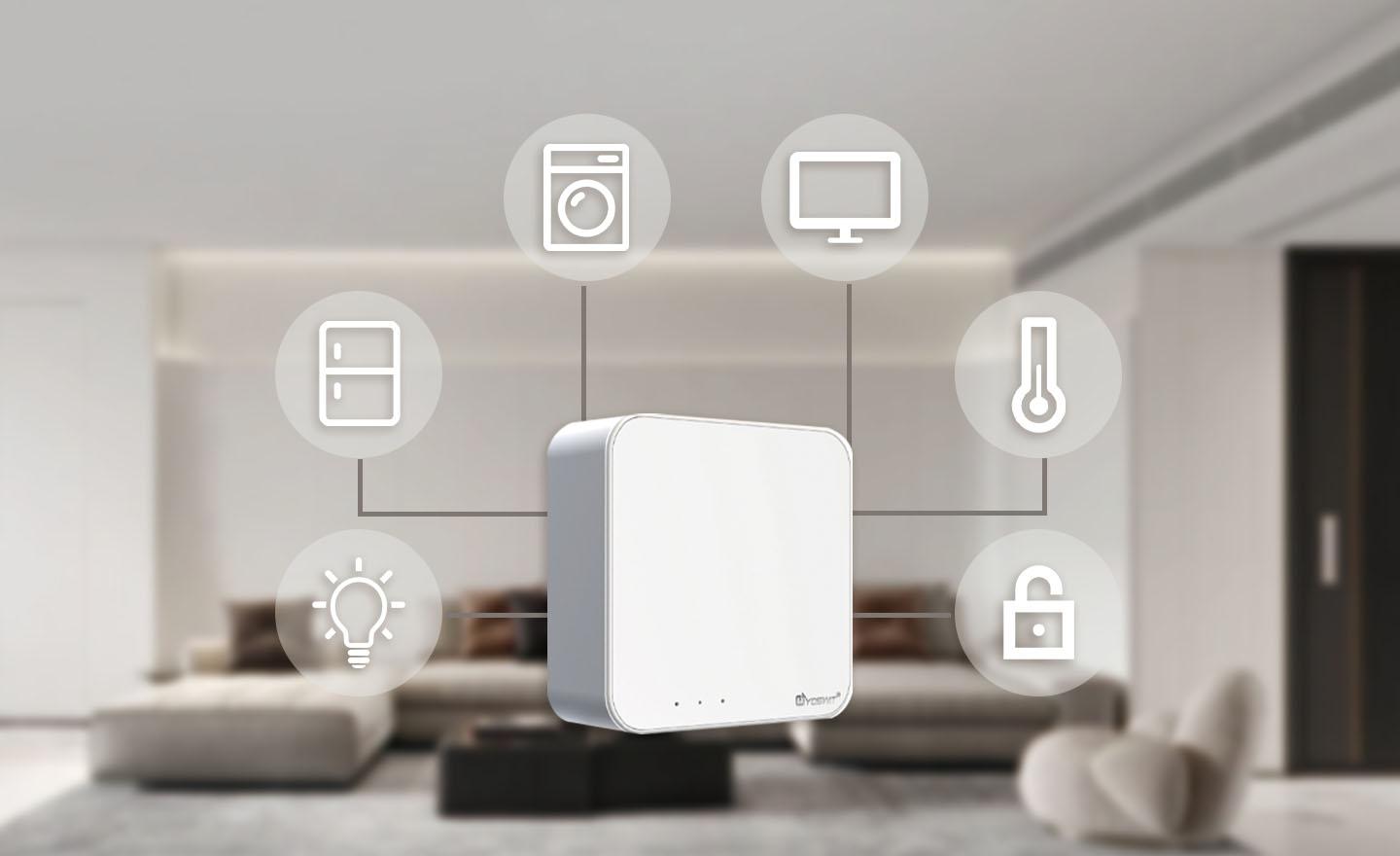
- Central Hub for Smart Devices
- Reliable Management of Multiple Devices
- Third-Party Smart Home Systems Compatibility
- Scenario and Automation Settings for Smart Devices
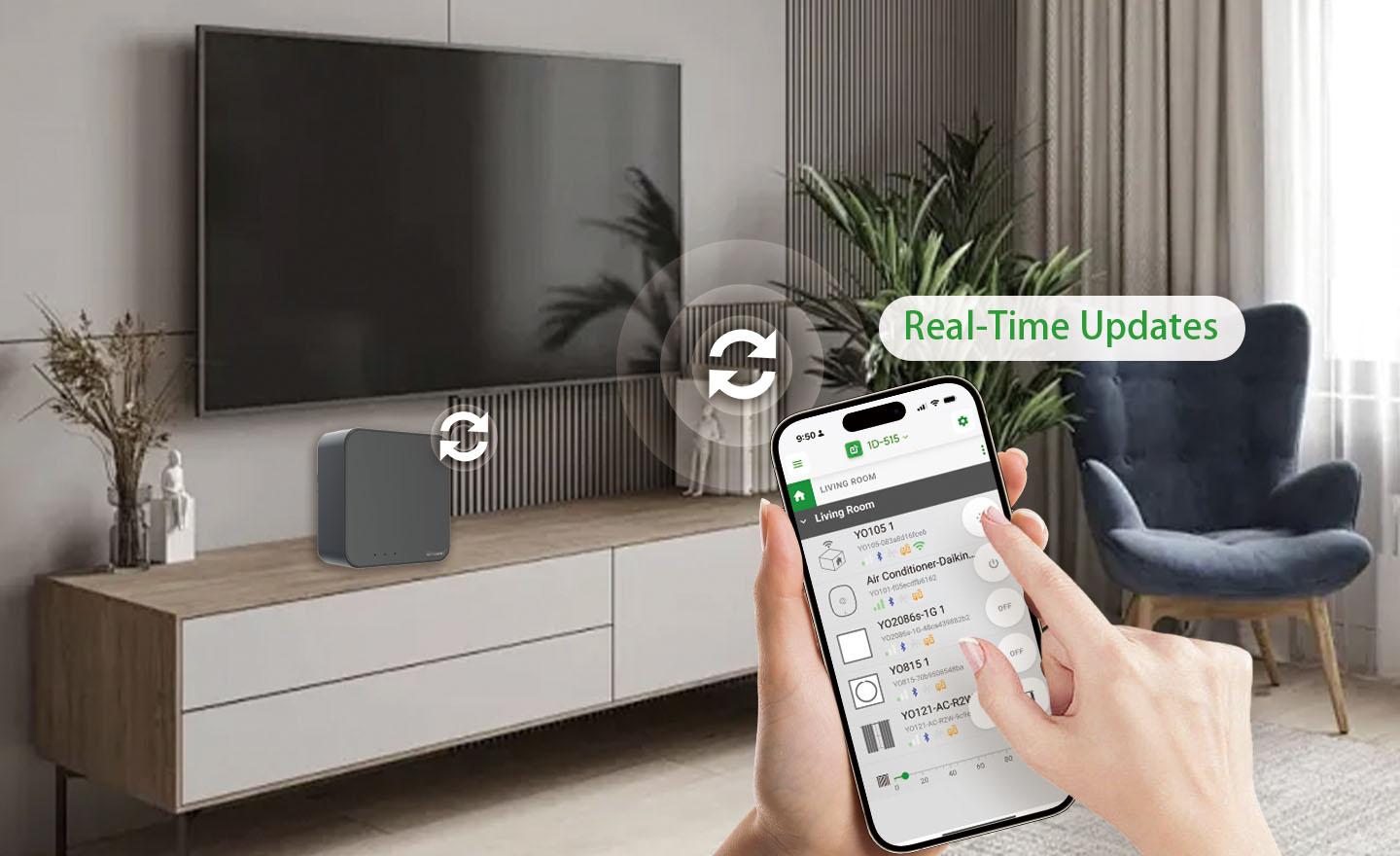
- Real-time Status Updates for Devices via Yoswit App
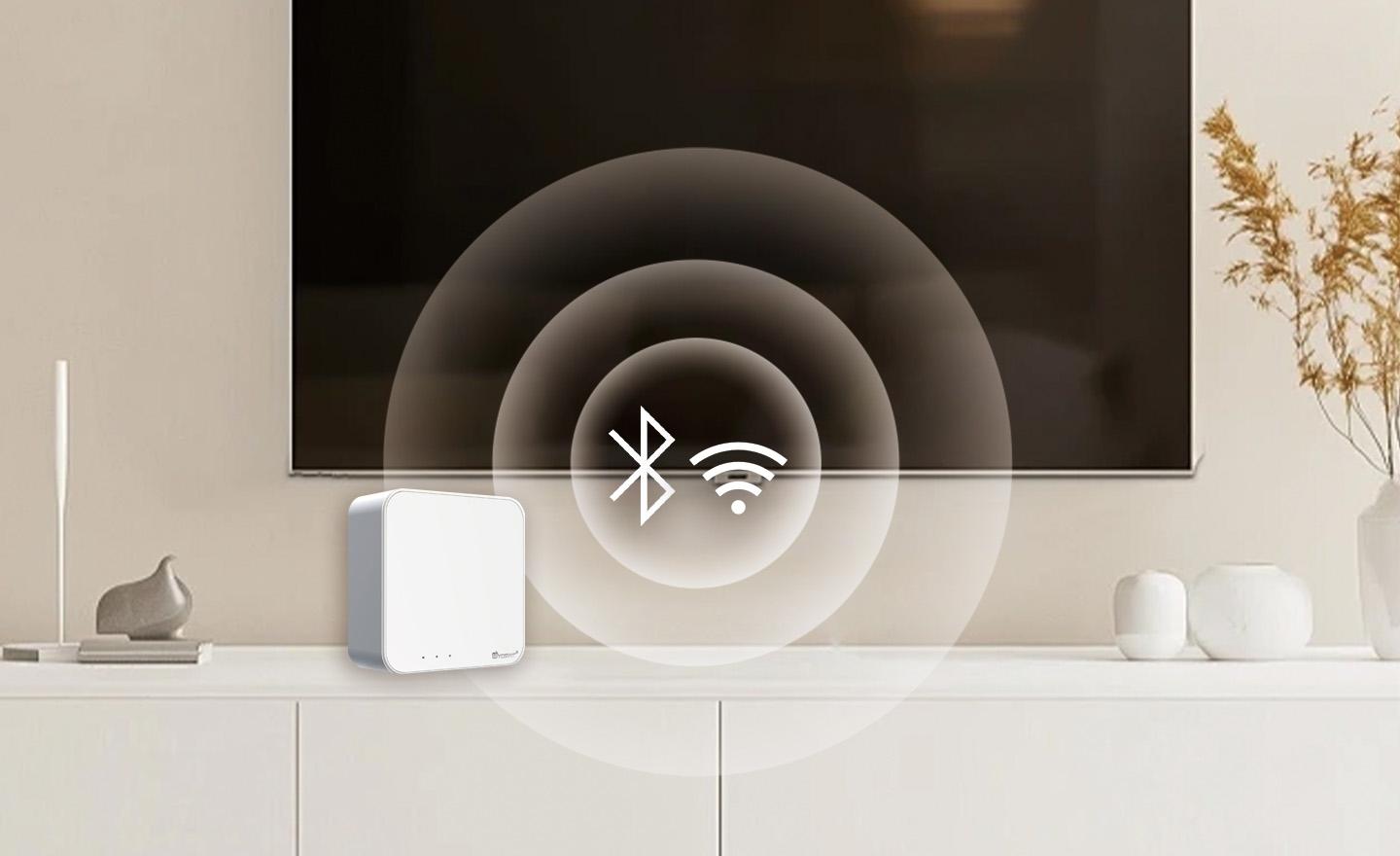
- Bluetooth Mesh & Wi‑Fi Improve Connectivity
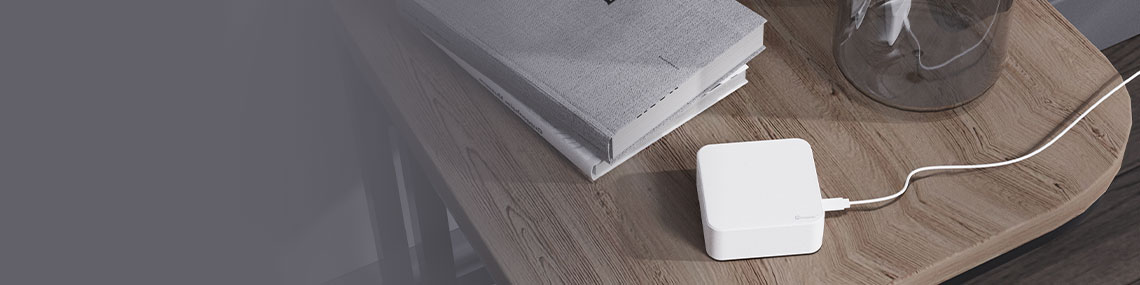
Features
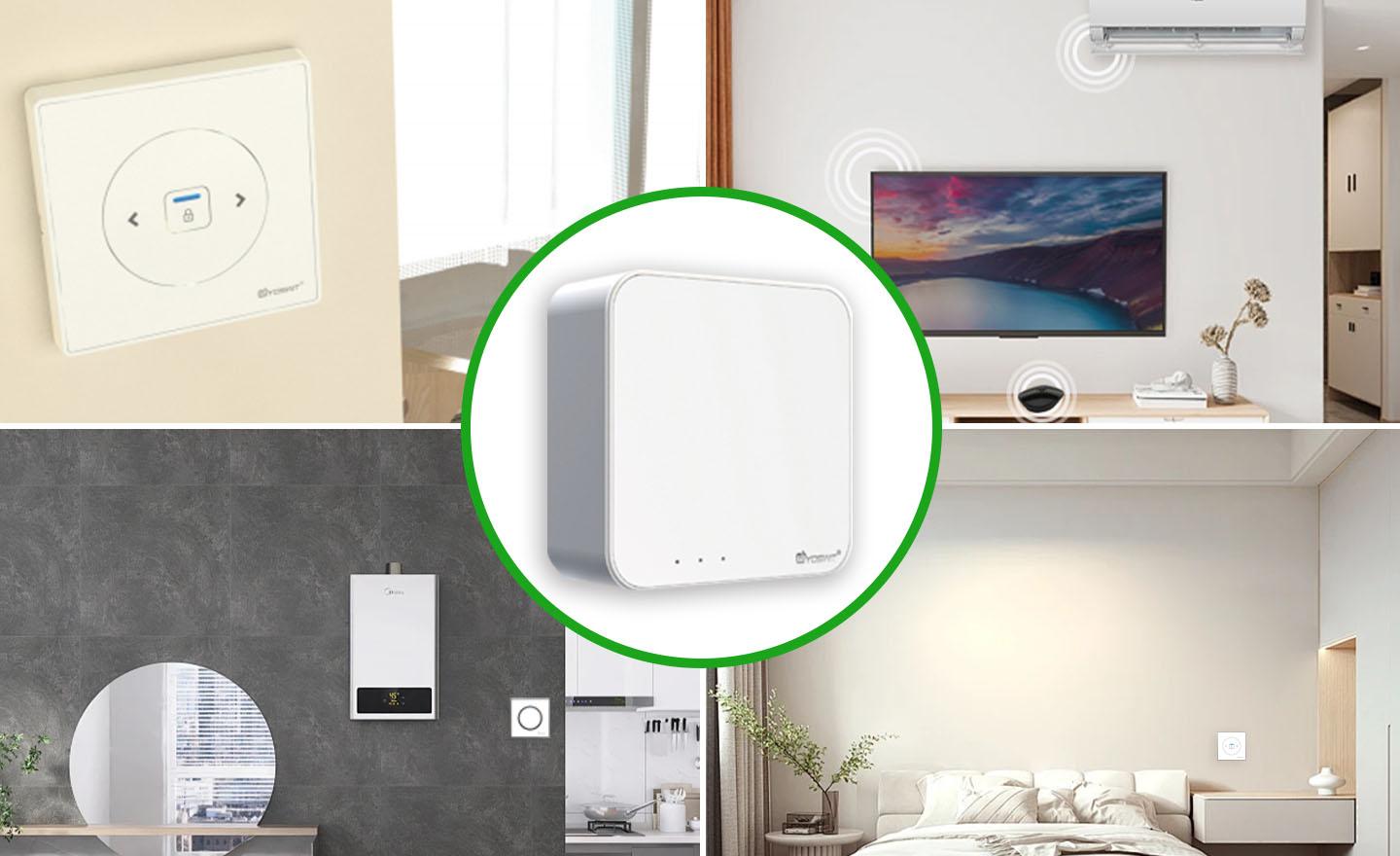
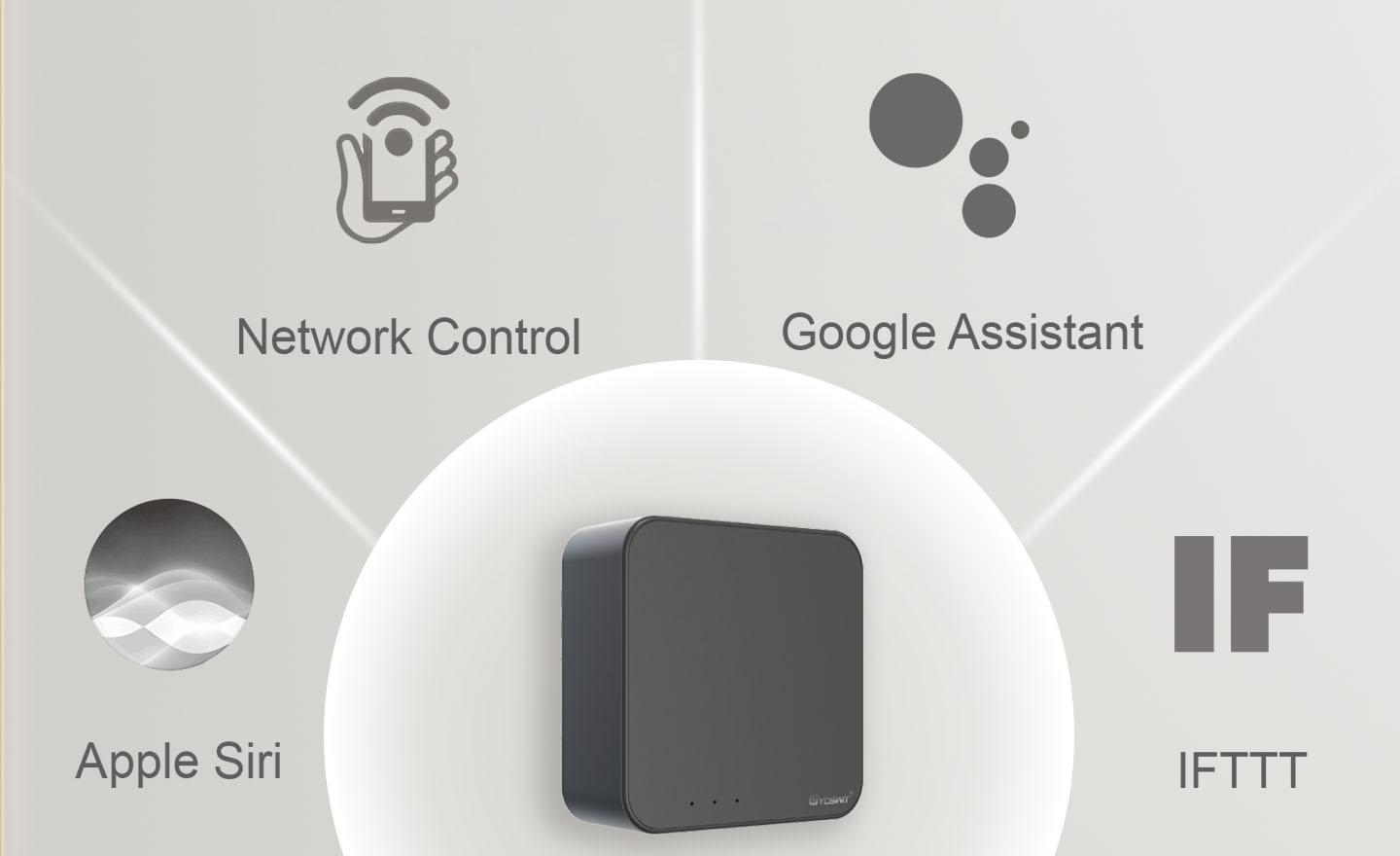
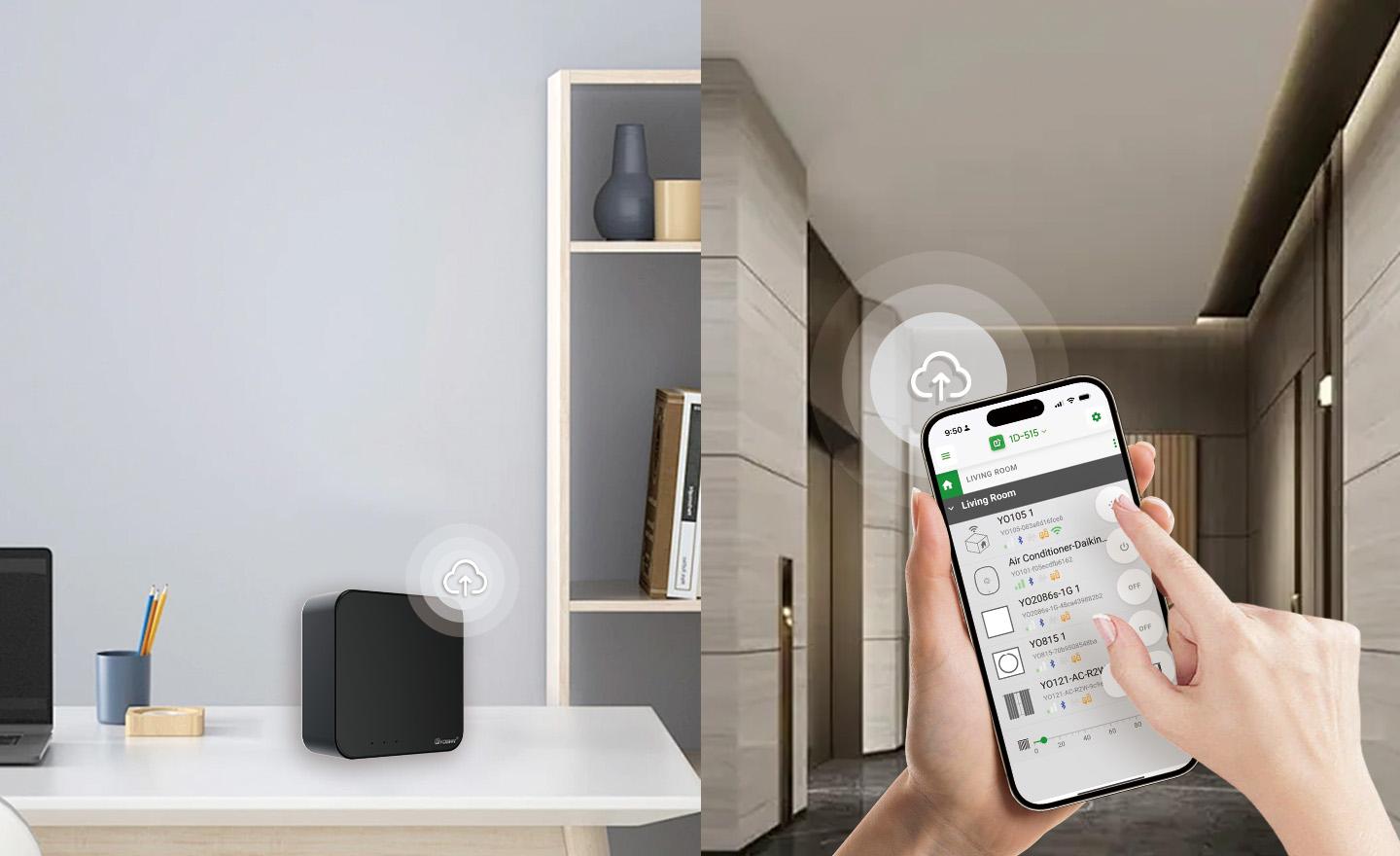
Retrofit Compatibility
Designed for room-by-room upgrades in existing projects with minimal rewiring.
Product Ecosystem
Works with the Yoswit Smart Ready series for unified management.
System Integration
Integrates with apps, PMS, access control, and third-party systems on a project basis.
Communication Spec
Bluetooth 4.2 BLE low-power communication.
| General | ||
| Product Name |
Smart Home Gateway
|
|
| Model |
YO105 (R2W)
|
|
| Revision |
V7.0
|
|
| Manufacturer |
Designed by Yoswit in Hong Kong, China / Assembled in Guangdong, China
|
|
| Dimensions | ||
| Product Size |
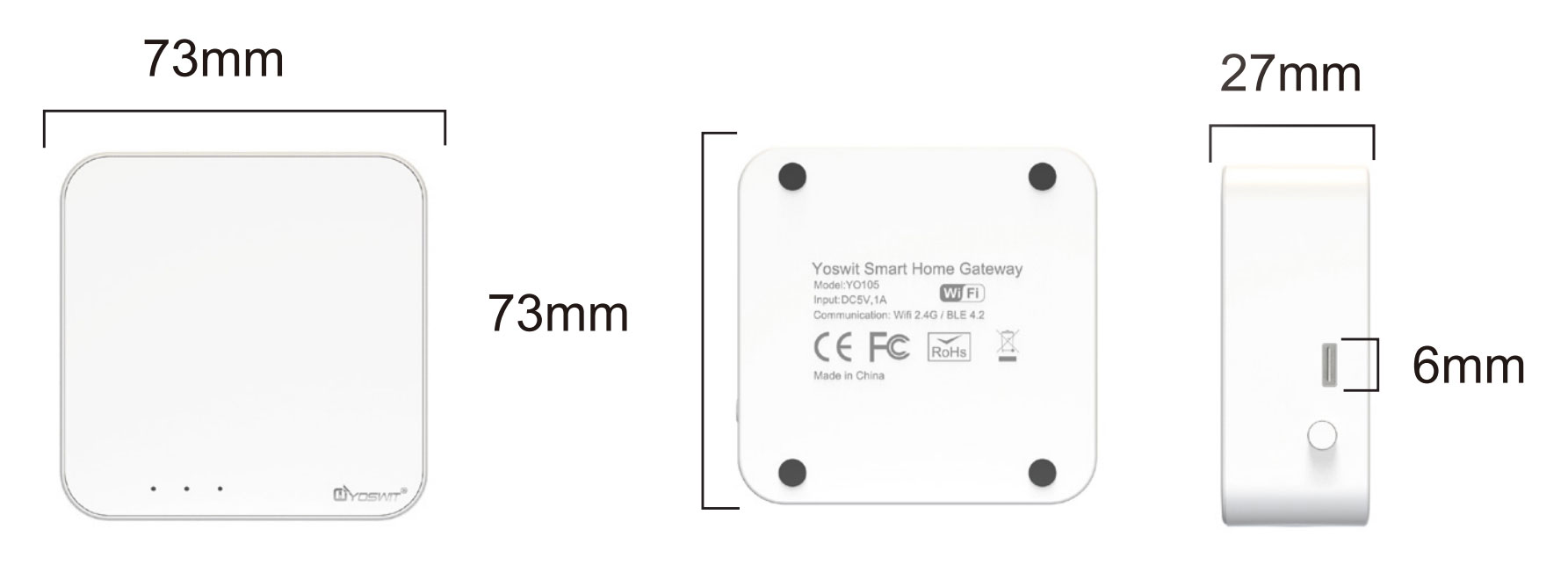
|
|
| mechanical | ||
| Operating Temperature |
-10°C to 40°C
|
|
| Operating Humidity |
0-95% RH, Non-Condensing
|
|
| Operating Environment |
Interior
|
|
| Operation |
APP
|
|
| Ingress Protection (IP) |
20
|
|
| Electrical | ||
| Operation Power |
5V / 1A (DC)
|
|
| Power Consumption |
<0.1W
|
|
| Wireless | ||
| Frequency |
2.4GHz
|
|
| Connection |
Wifi 2.4G / BLE 4.2
|
|
| Range |
Open area: >50m / Interior: 3-20m
|
|
WARNING!

Disconnect Power
To prevent serious shock or electrocution, always disconnect the power at the service panel before installation. Only licensed electricians should carry out the installation.
Basic Installation
1
Place the gateway on a stable, well-ventilated surface and connect the power supply.
2
Download the Yoswit App, then create an account or log in.
3
Add the gateway in the app and follow the on-screen instructions to connect it to your Wi-Fi network.
4
Pair and add your smart devices to the gateway to build a stable Bluetooth Mesh and Wi-Fi network.
5
Scenarios and automation have been set up, and the real-time status of all devices can be checked in the app. Installation is complete.
| Download | ||
| Data Sheet | ||